




FreeTime automatically finds the perfect time to meet up.

You just say yes or no.

FreeTime detects when you and your friends are free and suggests a plan — no endless WhatsApp groups, no «when should we meet?» forever.

Get it on Google Play

Free. No subscriptions. No ads.

Android only

Got an iPhone? We'll let you know when it arrives on iOS.

Friends meeting up thanks to FreeTime

Coordination shouldn't be the obstacle

It's not that you don't care. It's that adults' free time is fragmented and invisible. There are compatible gaps between people who appreciate each other, but coordinating them costs too much — endless WhatsApp groups, doodles, «let's sort something out»... and the plan never actually happens.

The care is there. What's missing is finding the moment.

Why FreeTime exists

  1. Set it up once

    Choose your hobbies, connect with your friends and set which time slots FreeTime can suggest plans. The app accesses your phone's calendar only to know when you're free within those slots. That's it.

  2. FreeTime works on its own

    It cross-references your availability with your connected friends', only within those slots. If you say «Thursday 7–10pm», that's the only thing it will look at, even if you have more free time.

  3. It notifies you with a ready-made plan

    It appears in Plans: who with, which day, what time. «I'm in» or «Pass»; if it works, a chat opens in the app to sort the details.

  4. Only when you want it to

    Choose which days and time slots FreeTime can notify you about new plans. Outside that window, complete silence. You can also turn off notifications whenever you need to disconnect.

Privacy by design

  • We never read the content of your events. Only whether you're free or busy.
  • It only cross-references availability between mutual contacts. Never with strangers.
  • It's not a dating app. It's designed for friendship and leisure plans.
Read the full privacy policy

How FreeTime works

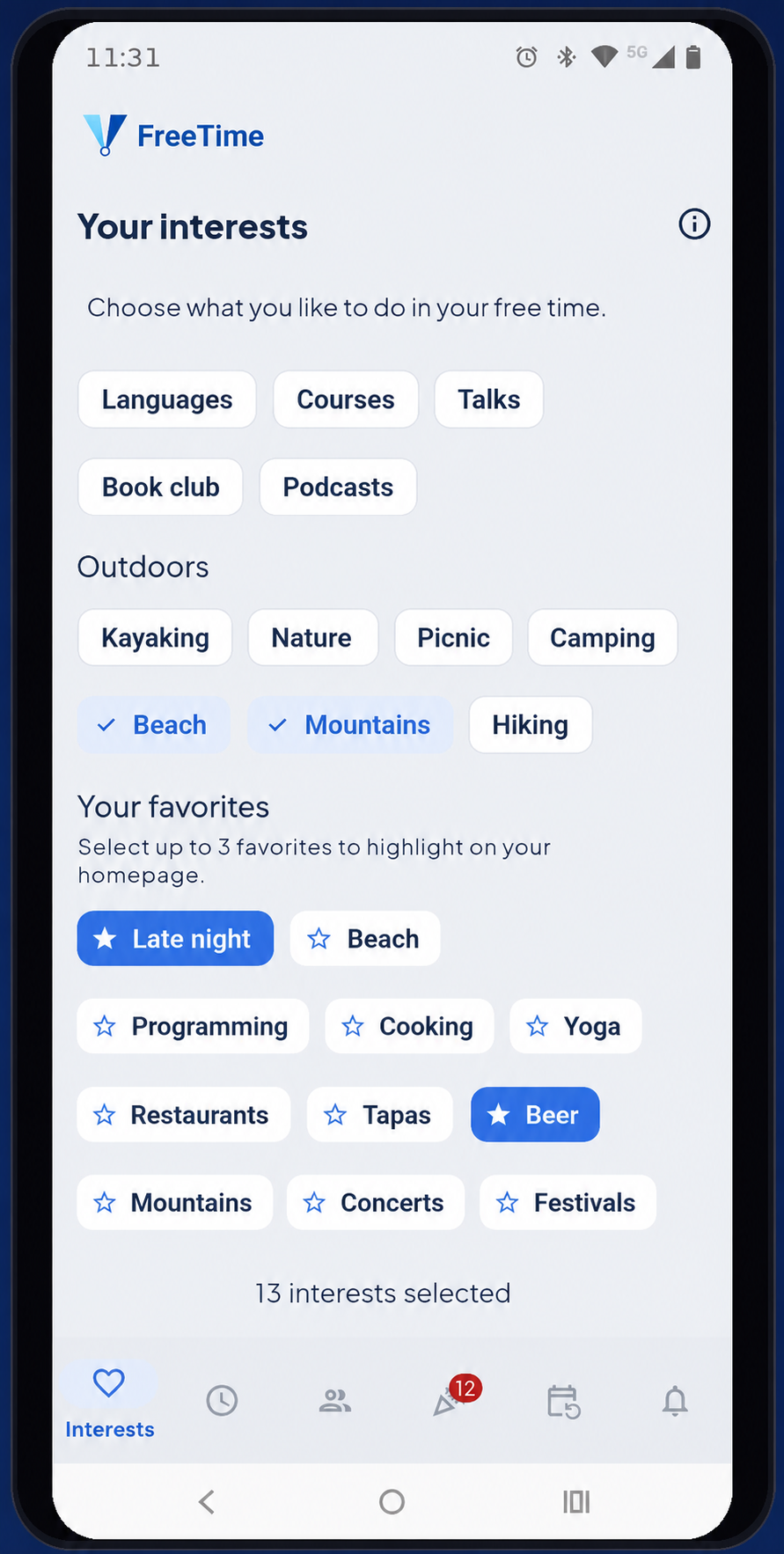
FreeTime Hobbies screen

First, tell it what you like

Choose from dozens of hobbies and mark up to 5 as favourites. FreeTime uses them to suggest plans with friends who share your interests.

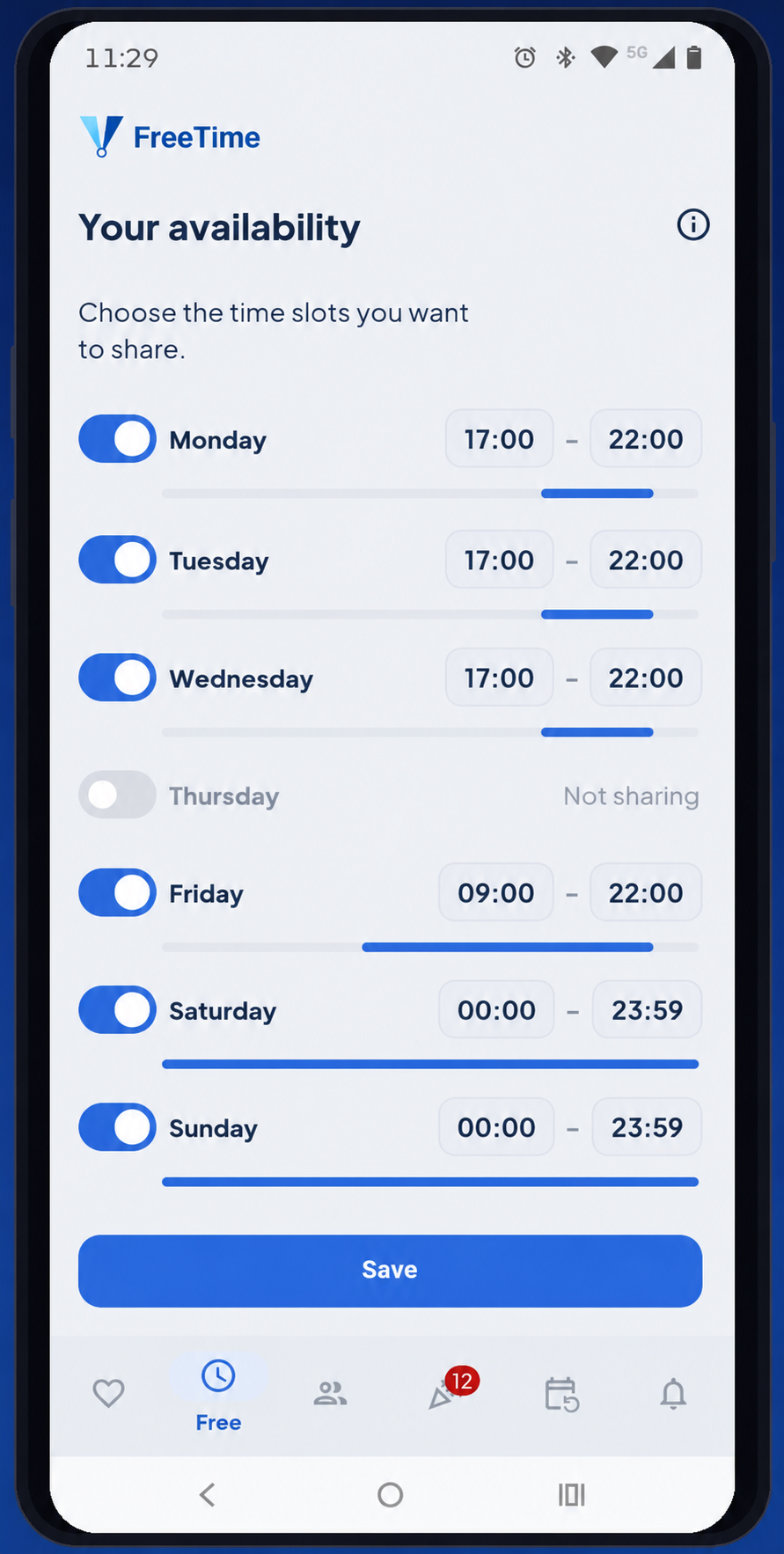
FreeTime Availability screen

Then, tell it when you're free

Activate the days and adjust the time slots where you want FreeTime to look for plans with friends. FreeTime only checks your phone's calendar for when you're free, never the content of your events.

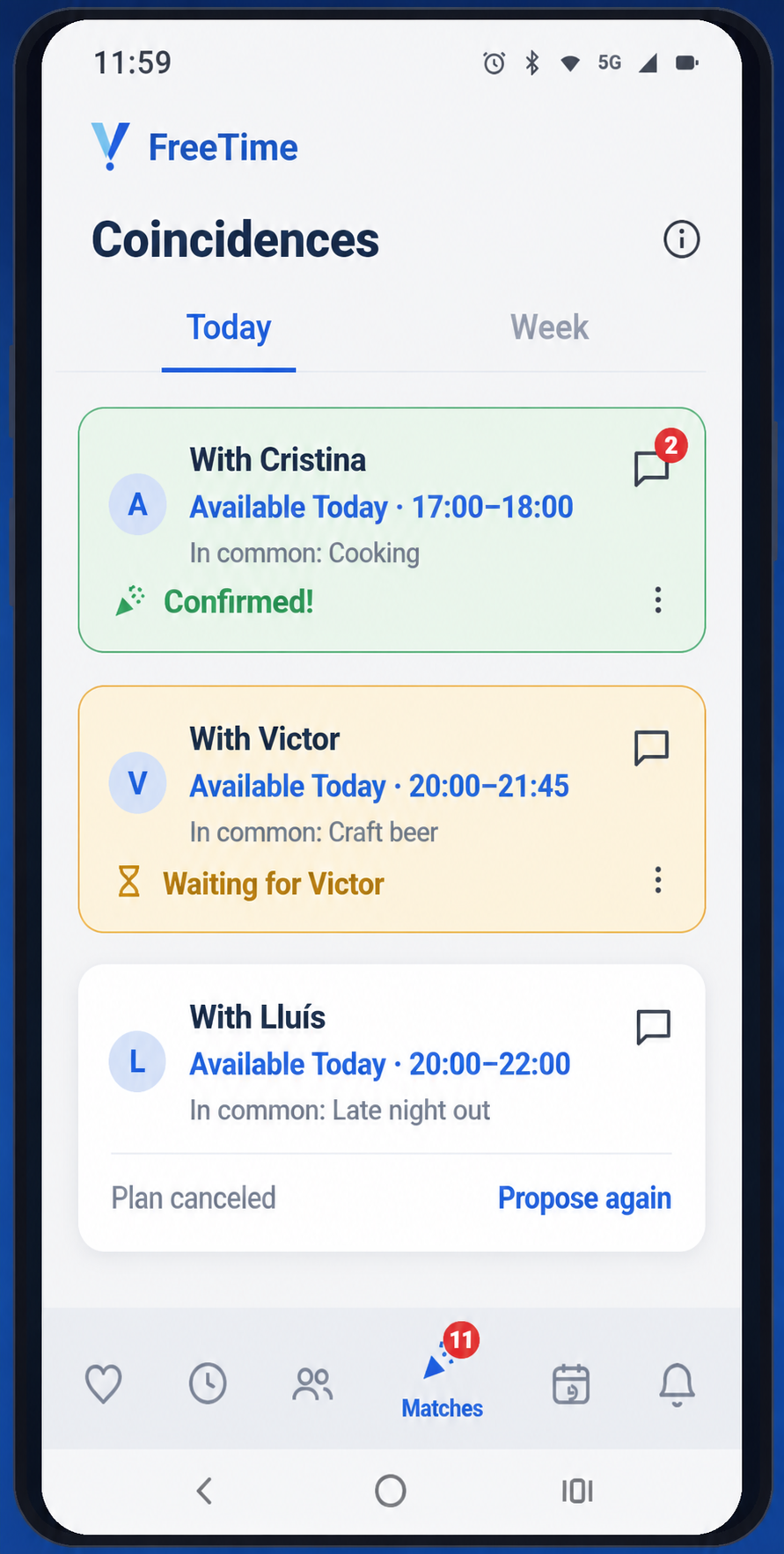
FreeTime Plans screen

FreeTime works. You decide.

In Plans you see the proposals: who with, which day and what time. «I'm in» or «Pass». If the other person also says yes, the plan is confirmed and a chat opens to sort the details.

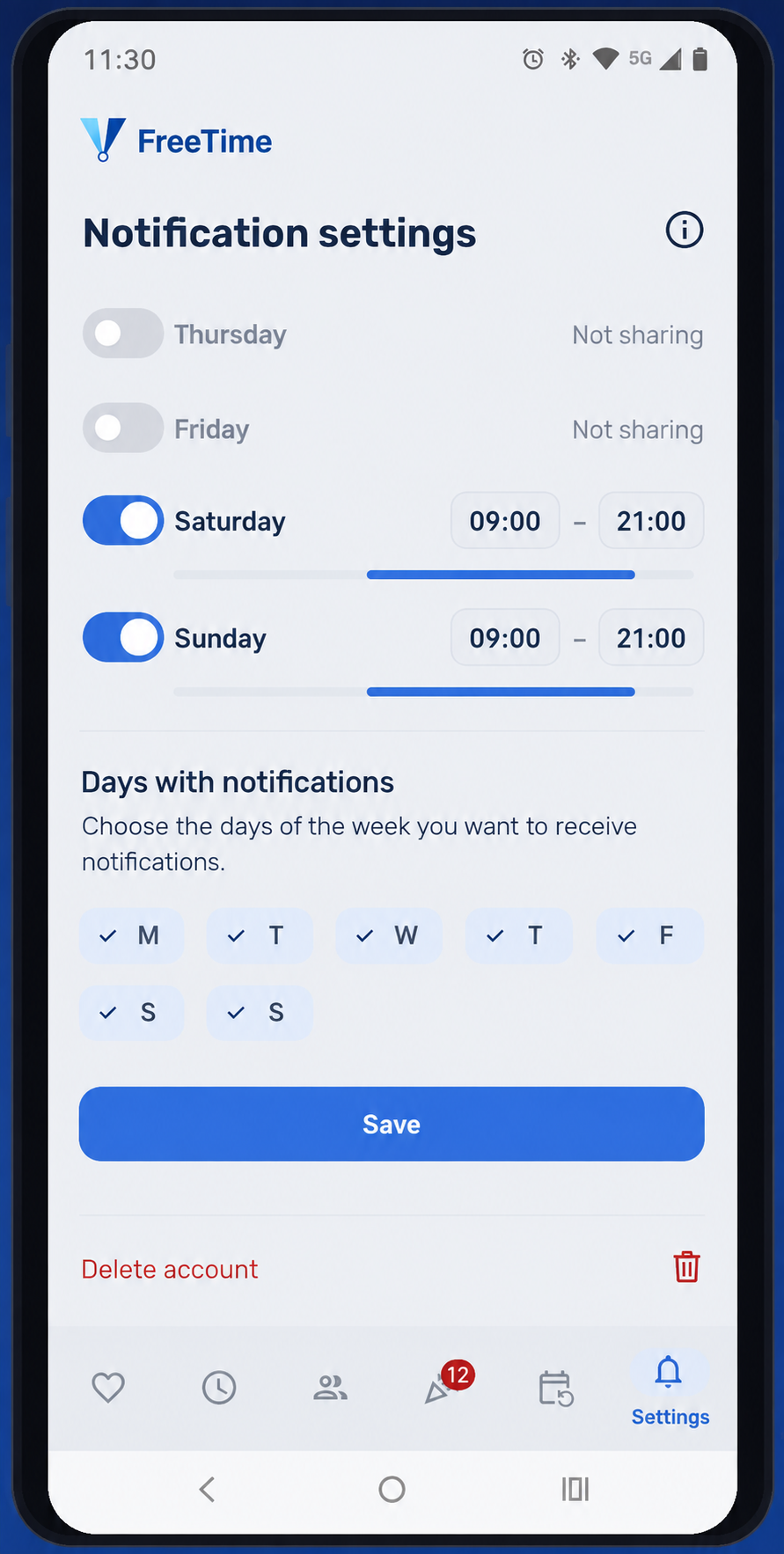
FreeTime Notification settings screen

It only notifies you when you want

Set which days and times you want to receive FreeTime alerts. Outside that window you won't receive any notifications — the app works in silence until you give it permission to notify you.

That coffee that never quite happens

Features

  1. Your hobbies

    Choose the hobbies you enjoy in your free time. We use them to find matches with friends who share similar interests. You can change your selection at any time.

  2. Your availability

    Mark the free time slots you want to share with your friends. We only see if you're free or busy, never the content of your events. When your availability matches a friend's, we suggest it as a possible plan.

  3. Your friends

    Search your contacts for who's already using FreeTime and add them. We only match mutually connected friends: if you add someone, they need to add you back too. You can remove someone at any time.

  4. Plans

    Here appear FreeTime's suggestions when your free time matches a friend's. Tap «I'm in» or «Pass» to respond; if you both say yes, the plan is confirmed and a chat opens to organise.

  5. Fixed plans

    Turn a confirmed match into a plan that repeats every week, every two weeks or every month. We notify you before each date and the organising rotates among members, so nobody always has to do it.

  6. Notification settings

    Decide when you want to receive FreeTime alerts. You can turn off notifications, set a no-alert schedule (for example, while you sleep) and choose which days of the week you want to receive them.

The group that doesn't see each other as much

Use cases

The group that doesn't see each other as much as before

You were four inseparables at uni. Now everyone lives in a different part of town and the WhatsApp group has been memes for months. As soon as two of you have a free afternoon at the same time, FreeTime tells you, without anyone having to ask first.

That coffee that never quite happens

With that friend you value but never seem to catch because nobody gets around to suggesting a date. FreeTime detects the gap when you're both free and turns it into a concrete proposal: day, time, one tap to accept.

The plan you stopped organising because it got tiring

The Sunday runs worked great until someone got tired of always being the one to message the group. Turn it into a fixed plan: FreeTime notifies everyone before each date and rotates who's in charge of organising.

The friend who doesn't have the app yet

FreeTime searches your contacts for who hasn't signed up yet and flags them. One tap and WhatsApp opens with a message already written and personalised with their name: no speeches about apps, just an invitation ready to send.

Sports friends, finally meeting up

Download it for free

FreeTime is now available for Android. Free, no subscriptions and no ads. The iOS version is coming soon.

Get it on Google Play

Android only

Got an iPhone? We'll let you know when it arrives on iOS.